/Avatar-MainMark-FullColor-400px.png)


Features / Electronic DQ Files
Electronic DQ Files
Manage compliance effortlessly and reduce administrative burden while ensuring that driver qualification records are always audit-ready.


 Automation & Alerts
 Improved Organization
 Audit Readiness
 Cost Savings
 Enhanced Security

Automation & Alerts
- DriverHub notifies drivers and managers before CDLs, med cards, and other documents expire
- Drivers text photos of new documents straight into their files, with no app to download
- The AvatarAssistant reads CDLs and med cards and sets the new expiration dates for you
Improved Organization
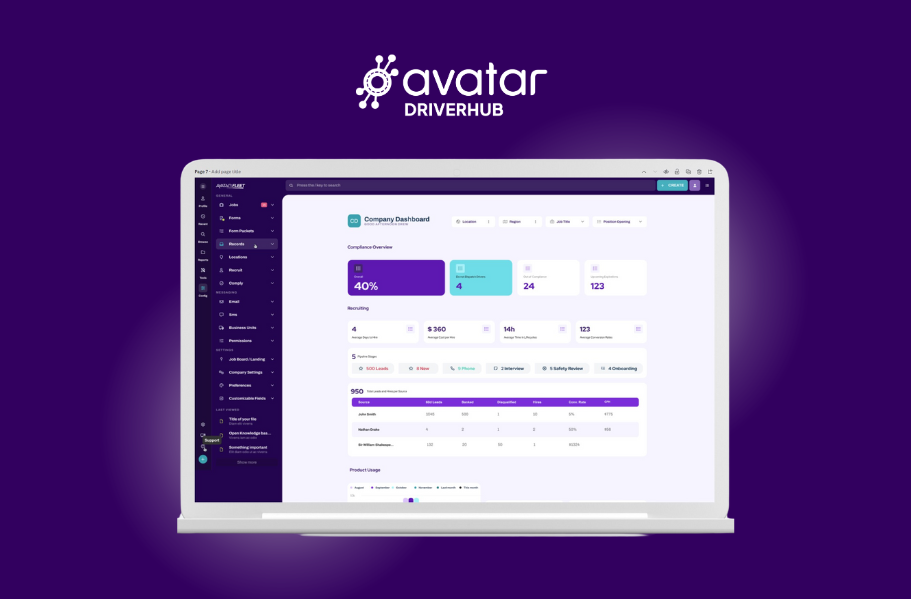
- Store every DQ file in one secure, searchable place
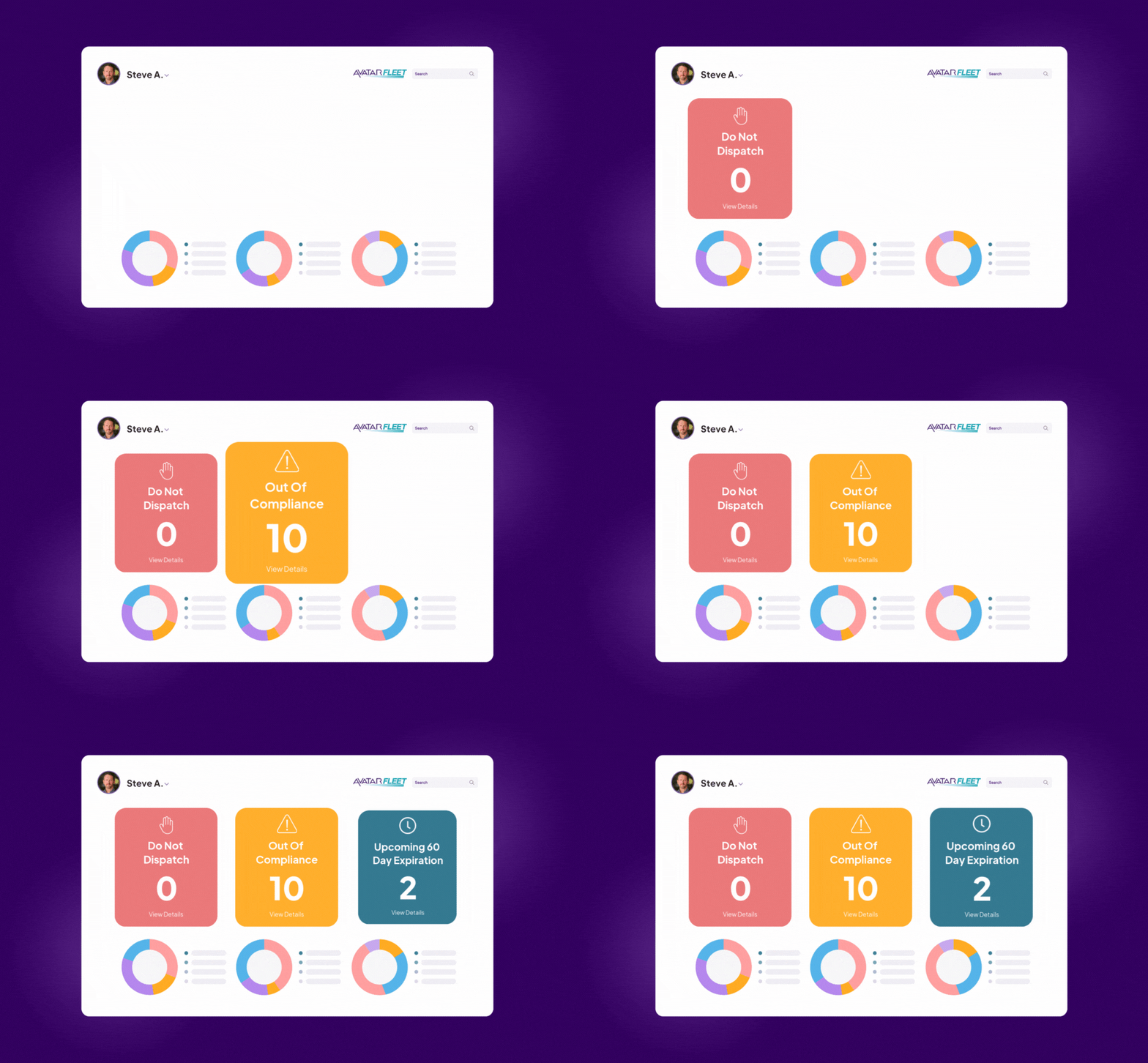
- See which files are current at every terminal and location from one dashboard
- Email a compliance snapshot to each station so terminal managers know exactly who needs what. MTRWestern's safety manager calls that snapshot "a big-time lifesaver."
Audit Readiness
- Select the drivers in scope for your audit and download their files
- Give auditors a login limited to the records they request, on site or remotely, then revoke it in a few clicks
- Vandalia Bus Lines: the auditor finished a DOT audit scheduled for four days in one and a half days.
- MTRWestern: passed a DOT audit with less than a week's notice through a remote auditor login.
- GO Riteway: passed a DOT audit with three weeks' notice, just weeks after onboarding

Cost Savings
- Cut paper, printing, and storage costs
- Retire manual routines. Before DriverHub, every MVR update at Vandalia Bus Lines meant 30 minutes of printing, hole-punching, and filing, twice a year for each of its 74 drivers
- Avatar's team converts your existing paper files for you, on site or remotely

Enhanced Security & Backups
- Protect sensitive driver information with digital encryption
- DriverHub has completed SOC 2 Type 1 and Type 2 audits
- Restricted auditor logins share only the records an auditor requests and keep everything else private
- You own all of your data



For Private Fleets
DriverHub helps private fleets streamline driver onboarding and ensure DOT compliance.

JR Transportation
"Avatar has been a game changer for JR Transportation. It automated our driver files and streamlined the hiring process. It keeps us on top of expiring files and easy to stay up to date and compliant." —Jonathan Ripplinger, President
Village Travel
"Been using Avatar for nearly 5 years and am able to sleep well at night knowing we're in good shape, in the event of an audit or an unfortunate event. Even after 5 years, Avatar is continuously checking on us and bringing attention to new features. Thanks for taking such great care of Village Travel!" —Ivan Moore, COO
OK Tour
"Find [Avatar] fairly easy to navigate and use. It has become a useful tool for recruiting and storing DQ Files. Applicants can fill out an application and all required paperwork right in the system, then it can be reviewed further." —Andrew Weir, Safety Officer






How Electronic DQ Files Work in DriverHub
| Capability |  |
Details |
| Digital DQ file storage | ✅ Yes | Stores every driver's qualification file in one secure, encrypted, searchable place |
| Expiration alerts | ✅ Yes | Notifies drivers and managers before documents need renewal |
| Text-to-upload for drivers | ✅ Yes | Drivers text photos of new documents straight into their file |
| AI document reading | ✅ Yes | The AvatarAssistant reads CDLs and med cards and sets new expiration dates |
| Audit file export | ✅ Yes | Select the drivers in scope for your audit and download their files |
| Restricted auditor access | ✅ Yes | Give auditors a login limited to the drivers and records they request, then revoke it in a few clicks |
| Remote audits | ✅ Yes | Auditors review files from anywhere, with no paper to gather or ship |
| Multi-location management | ✅ Yes | See DQ file status for every terminal and location from one dashboard |
| Compliance snapshot reports | ✅ Yes | Print or email a snapshot of who is compliant and what is expiring |
| Notes on driver files | ✅ Yes | Team members add notes inside driver and candidate files |
| Paper file conversion | ✅ Yes | Avatar's team scans and uploads your existing paper files, on site or remotely |
| Printing or manual filing required | ❌ No | Files stay digital and available instantly |
| App download required for drivers | ❌ No | Drivers upload documents by text from any phone |
| Drug and alcohol test collection | ❌ No | DriverHub stores test records; a testing provider collects the samples |
Free Electronic DQ File Resources
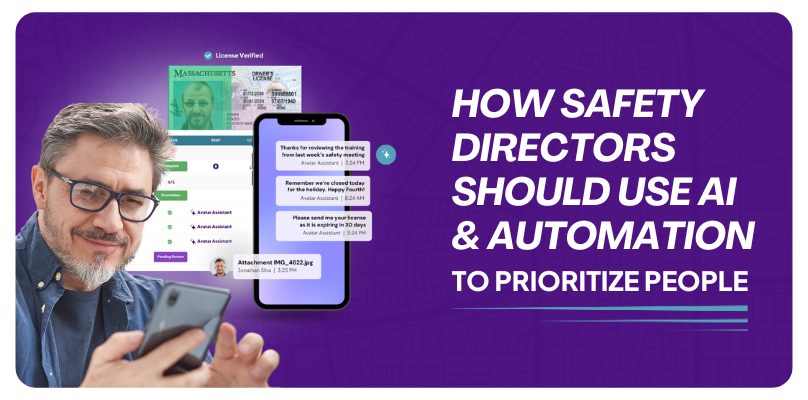
How Safety Directors Should Use Automation To Prioritize People
Our goal is to help Safety Directors and your team automate administrative tasks so you can prioritize people.
Read More
The 2026 DQ File Checklist You Need to Pass a DOT Audit
This checklist is a summary from FMCSA 391. It’s designed to help you ensure no detail is missed when you’re creating DQ files.
Get the Checklist
GO Riteway Passes DOT Audit With Ease Using Avatar
The utilization of Avatar DriverHub proved to be a pivotal factor in their audit preparation and success.
Learn HowBook a Personalized DriverHub Demo
Schedule your DriverHub demo to see how Avatar customers reached 100% compliance and cut cost per hire by more than 50%.
.webp?width=580&height=387&name=Avatar%20DriverHub%20Demo%20Driver%20Recruiting%20Software%20DOT%20Compliance%20Software%20Applicant%20Tracking%20System%20(1).webp)