/Avatar-MainMark-FullColor-400px.png)


DOT Compliance Software To Help You Pass Every Audit
Whether you're running a for-hire trucking operation, a motor coach business, or private fleet, Avatar DriverHub's driver compliance software keeps every driver qualification file audit-ready.

LOVED BY OVER 5,000 SAFETY PROFESSIONALS




 Automated Driver Reminders
 Eliminate Your Paper Files for Good
 Know Your DOT Compliance Status Instantly
 Build, Store and Secure Your DQ Files Digitally
 Mass Collect Any Form
 The Roster For All Your Drivers
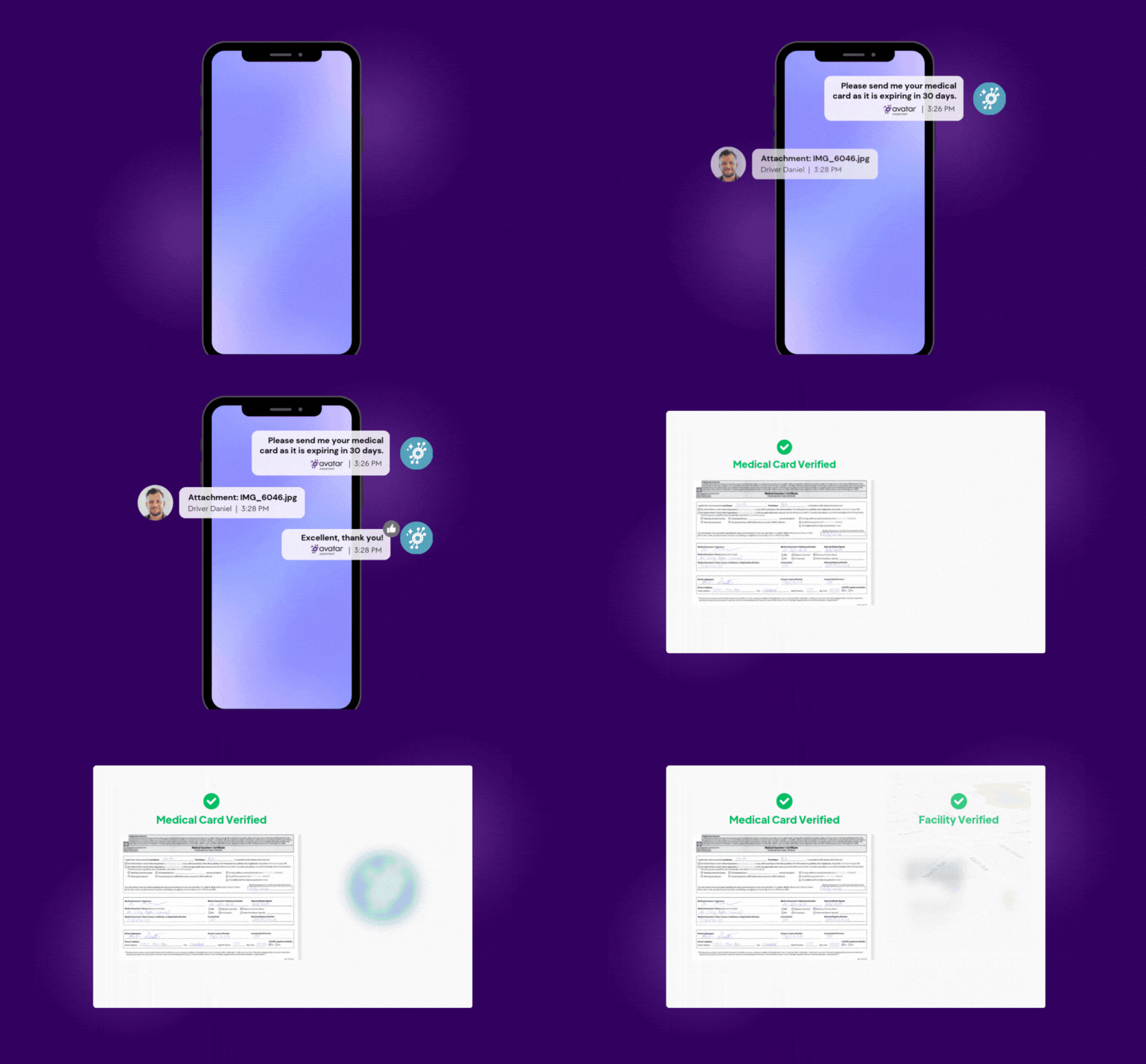
Automated Driver Reminders
- Start reminding drivers of upcoming expirations well in advance of expiration dates, automatically.
- Facilitate faster compliance with text message responses—stop chasing or trying to catch drivers after their shift.
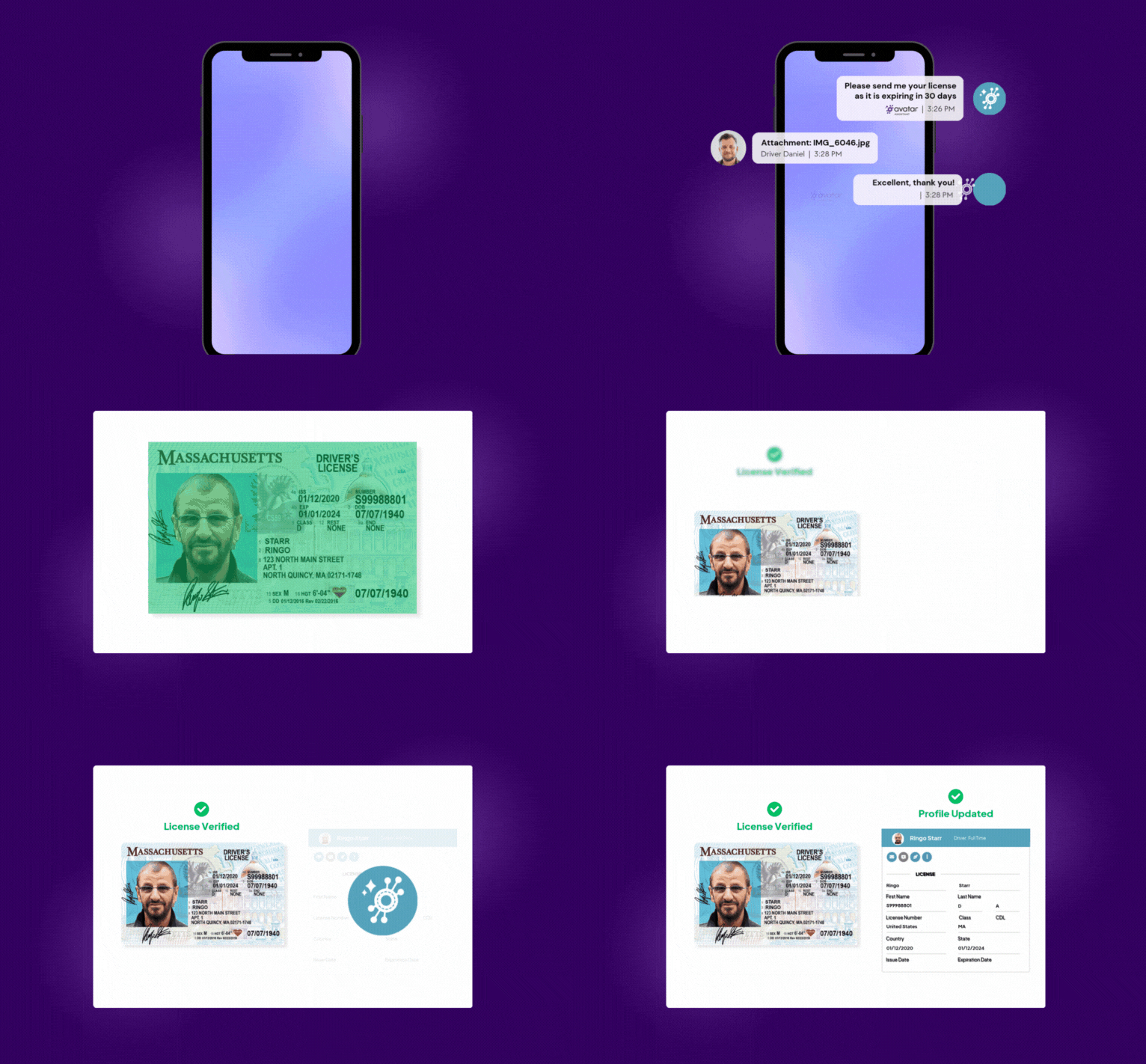
Eliminate Your Paper Files for Good
- Everything is digital, meaning no more paper files.
- No more complex file management systems - find the files you need when you need them.
- Replace filing cabinets with real digital document management for your fleet, so every file is scanned, searchable, and audit-ready.
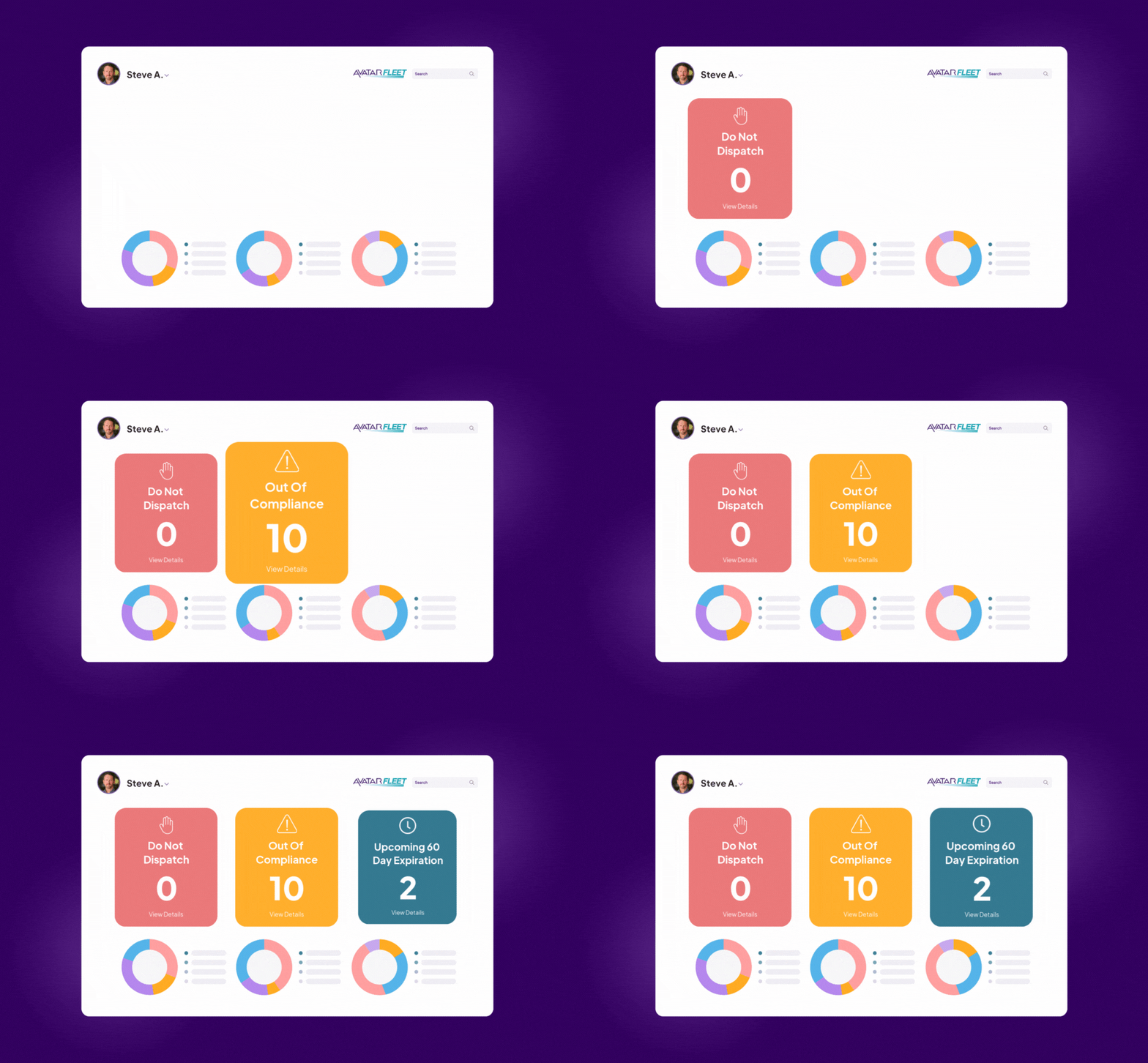
Know Your DOT Compliance Status Instantly
- Rely on the compliance dashboard as the single source of truth for your driver compliance software.
- Always know the status of your driver qualification files, and ensure that your drivers are always qualified to be on the road.
- Be prepared for a DOT audit at all times.
Build, Store and Secure Your DQ Files Digitally
- Track everything that needs to be in a DQ file with our driver qualification file management software.
- Include files like Commercial Driver’s License (CDL), Pre-Hire Motor Vehicle Report (MVR), Road Test, DOT driver application, past driving records, Drug and Alcohol Testing and more.
- Be SOC 2-compliant with multiple backup locations.
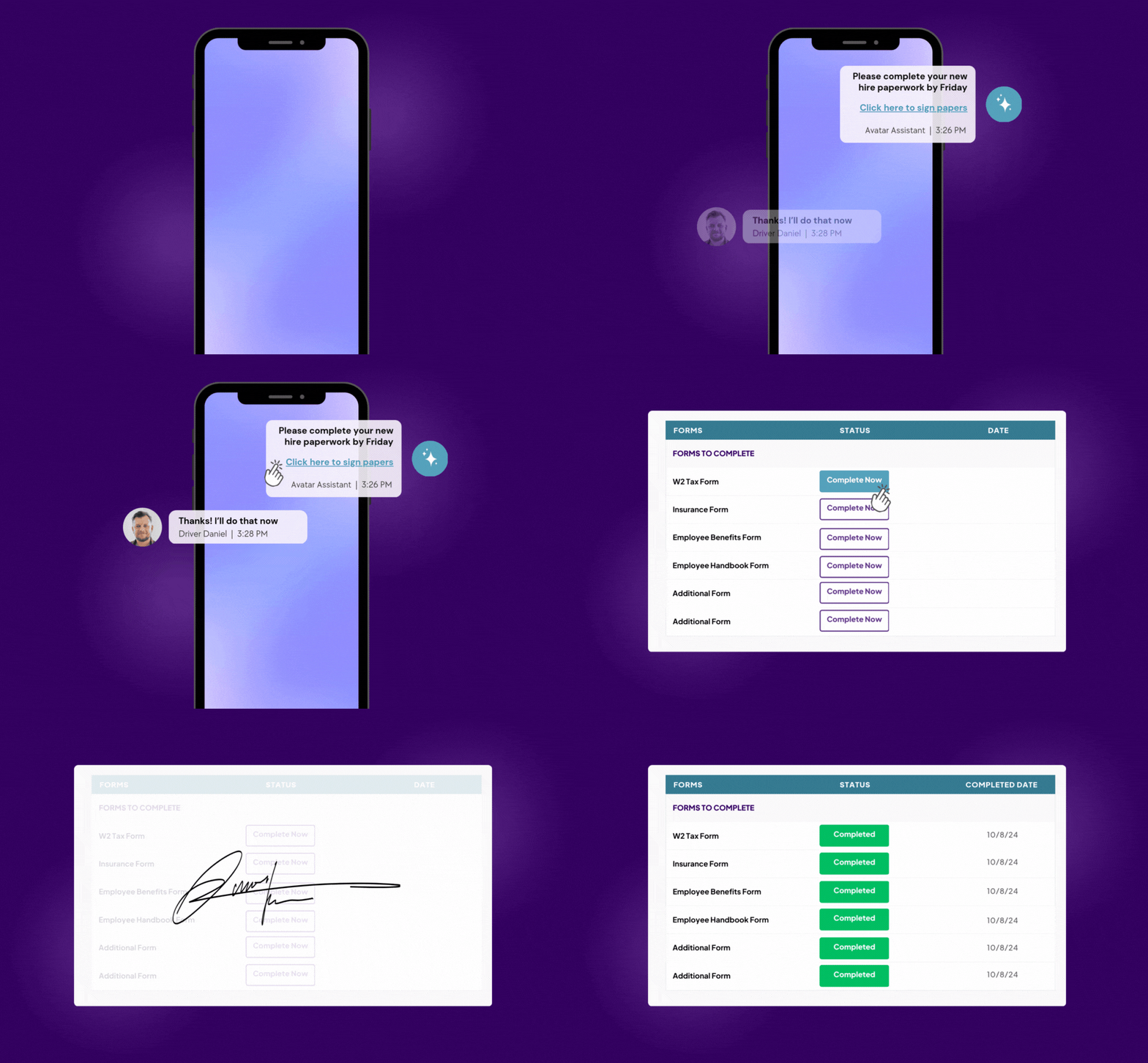
Mass Collect Any Form
- Collect any form or document digitally through mass email or text message.
- Simply choose the drivers and the document you want to collect.
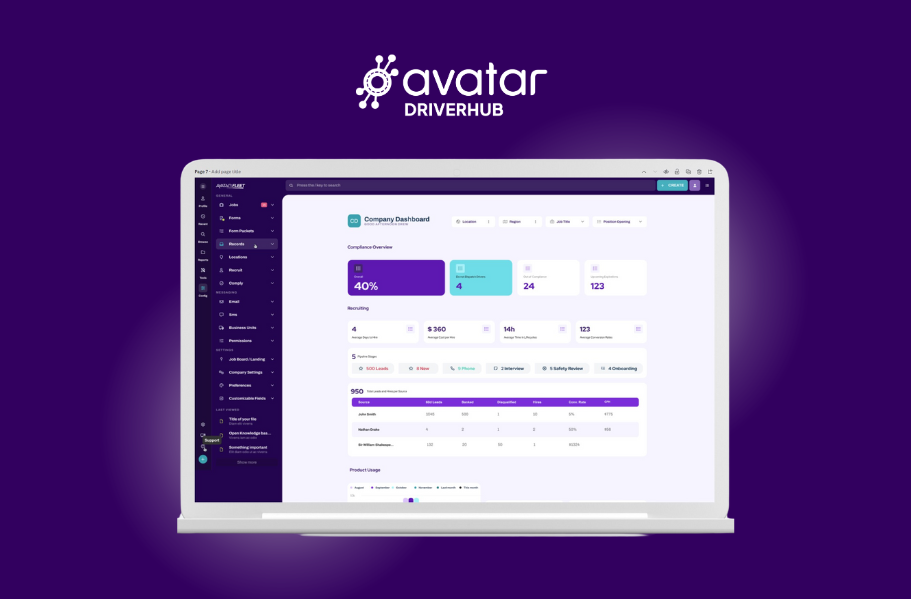
The Roster For All Your Drivers
- Say goodbye to spreadsheets.
- Track terminals and locations without HR systems.
- Integrate with payroll and still track your driver compliance and DQ files.
- Sync your driver data from DriverHub to all of your systems.
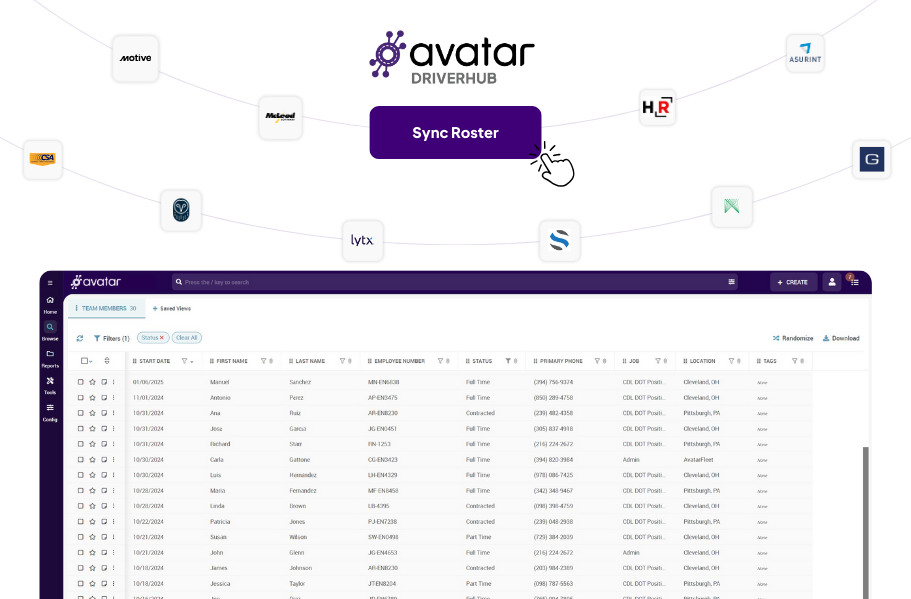
Integrate Into Your Systems
DriverHub isn't a bolt-on module inside a telematics platform. It's dedicated fleet compliance software solutions that integrate with the systems you already run:
- Telematics providers like Samsara for Roster & Vehicle Sync
- SambaSafety for MVR Monitoring
- HireRight, Asurint, DriveriQ and Others for Background Screening
- Indeed and 25+ Other Job Boards for Lead Syncing
- ADP, Paylocity & iCIMS for Payroll/HRIS Roster Syncing


For Private Fleets
DriverHub helps private fleets streamline driver onboarding and ensure DOT compliance.

What would you do with an extra 3.4 days every month?
That's the power of the AvatarAssistant*. The AvatarAssistant uses automation and AI to help you focus on what matters: your people.

*According to a 2025 AvatarFleet study.
Free Resources for Safety Directors

Why DOT Compliance Software Pays For Itself
Discover how compliance software saves time, prevents costly mistakes and streamlines your operations.
Read More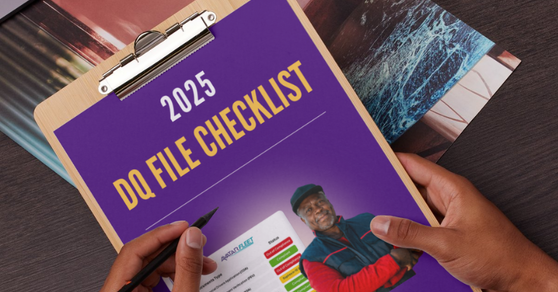
2026 DQ File Checklist To Pass Every Audit
Access this free checklist to ensure you never miss a detail when you’re creating Driver Qualification files.
Get the Checklist
3 DOT Compliance Software Mistakes
Should you manage Driver Qualification Compliance or outsource it? Here's how to answer that question.
Read More
DriverHub vs Other DOT Compliance Software
What is the best DOT compliance software? Here's how to evaluate.
Read MoreBook a Personalized DriverHub Demo
Schedule your Avatar DriverHub demo to get 100% compliant and cut cost-per-hire by 50%.
.webp?width=580&height=387&name=Avatar%20DriverHub%20Demo%20Driver%20Recruiting%20Software%20DOT%20Compliance%20Software%20Applicant%20Tracking%20System%20(1).webp)