<img height="1" width="1" src="https://www.facebook.com/tr?id=737313050390762&amp;ev=PageView &amp;noscript=1">

Features   /   Automated Expiration Alerts


Expiration Alerts

Ensure all driver compliance documents remain up-to-date by providing timely notifications before expiration.


Built for safety directors, compliance managers, and terminal managers at for-hire carriers, bus and motorcoach companies, and private fleets who track CDLs, med cards, and  driver documents.

Automated Expiration Alerts

How Automated Expiration Alerts Help Fleets

AF__ComplianceIcon-Teal Proactive Compliance Management
2871930_calendar_clock_schedule_icon Time Savings
AF__Filing-Icon Audit Readiness
3631642_budget_finance_money_icon Operational Efficiency
AI License Extractor

Proactive Compliance Management

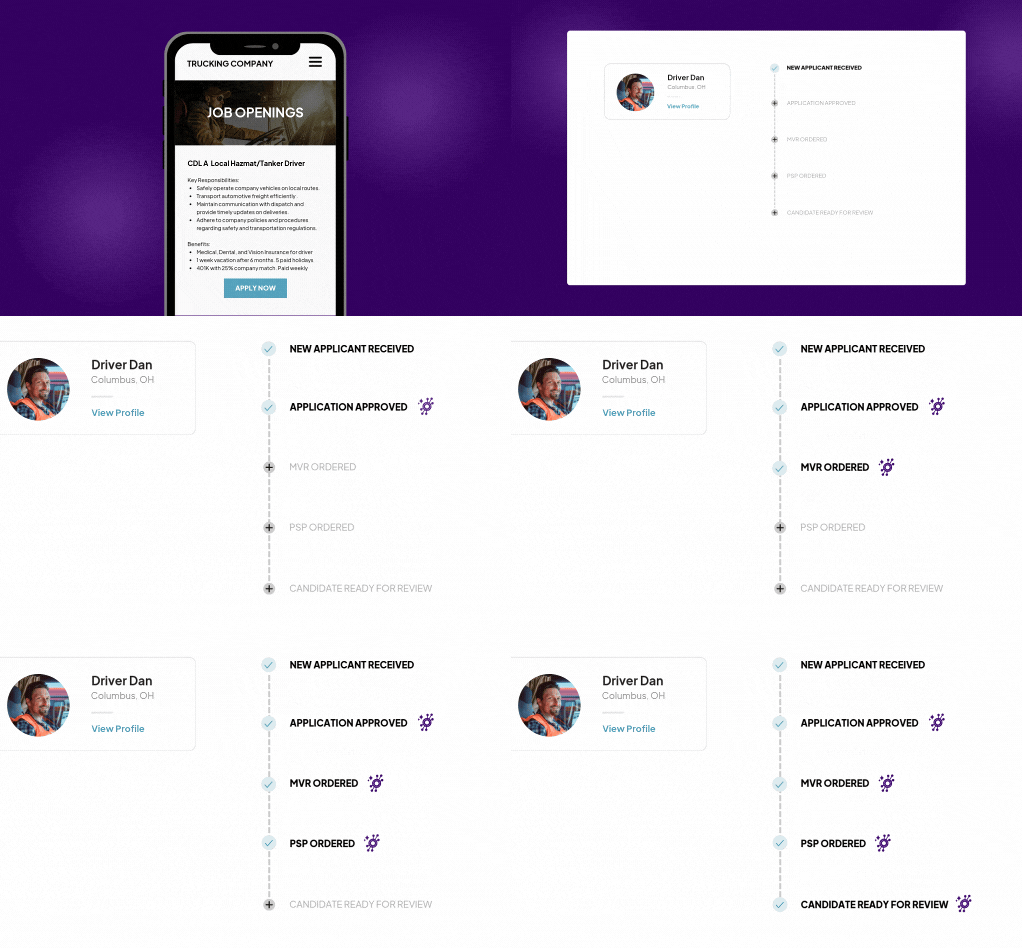
  • DriverHub texts drivers automatically before their CDLs, med cards, and other documents expire
  • Managers get an email summary of upcoming expirations across their roster
  • Drivers reply with a photo of their new document, straight from their phone
  • You choose which documents DriverHub tracks and how far ahead each alert goes out
Only Process The Highest Quality Leads-2

Time Savings

  • Replace spreadsheets and calendar reminders with alerts that send themselves
  • The AvatarAssistant reads each new CDL or med card and sets the next expiration date for you
  • No more tracking drivers down or scheduling office visits to collect paperwork
Audit Readiness

Audit Readiness

  • Renewed documents land in each driver’s DQ file as soon as drivers send them
  • Drivers complete their annual Certificate of Violations from their phone
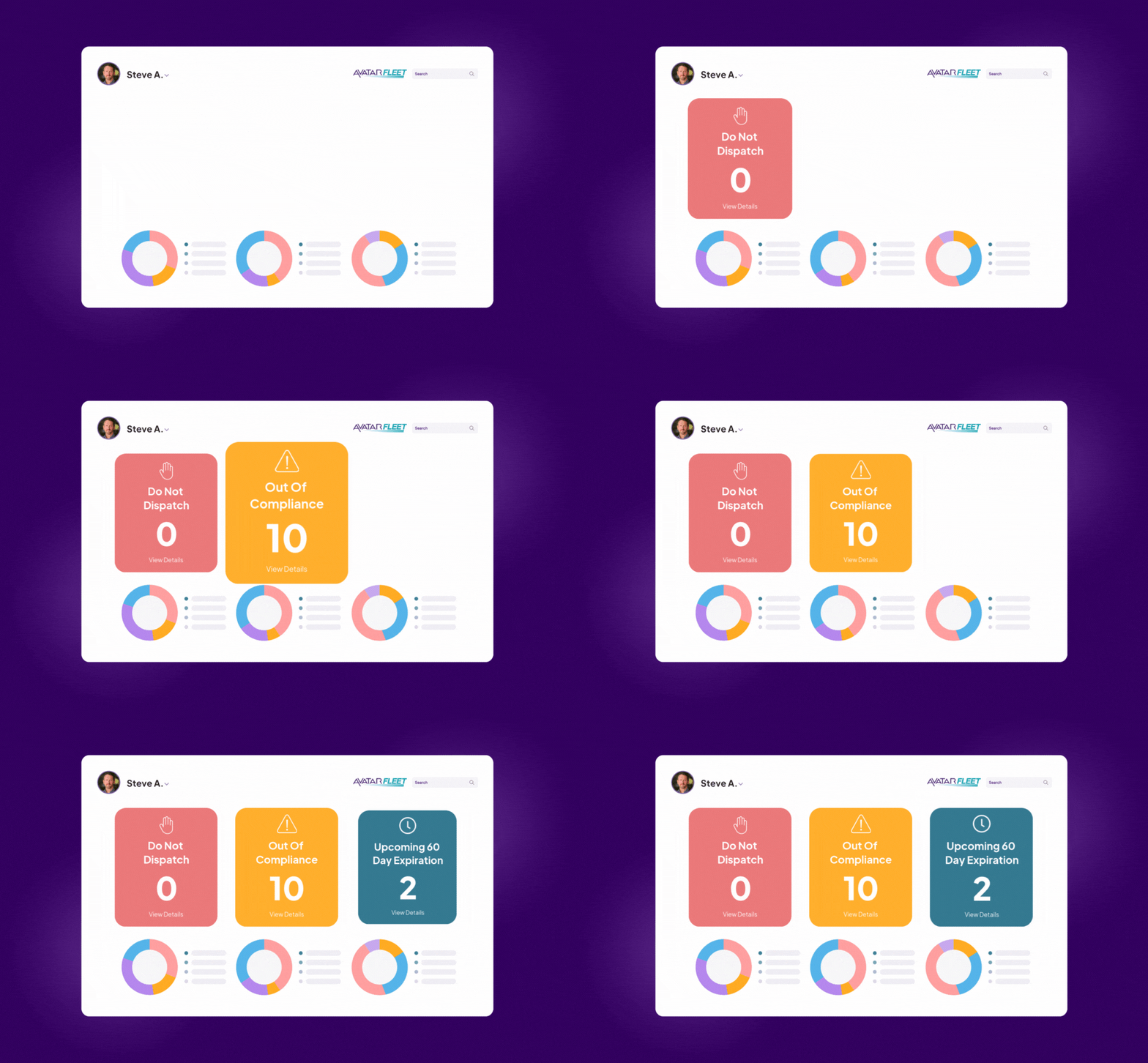
  • Expired records move to Out of Compliance on the Compliance Dashboard automatically, and expired CDLs, med cards, and MVRs put a driver on Do Not Dispatch
Automatically Verify Medical Examiners

Operational Efficiency

  • Keep drivers on the road instead of pulling them for expired paperwork
  • Set a different alert window for each record type: for example, 30 days for annual reviews, 60 for CDLs, and 90 for med cards
  • See every upcoming expiration across your fleet on one Compliance Dashboard card

What Your Peers Are Saying

Quote Icon

JR Transportation

"Avatar has been a game changer for JR Transportation. It automated our driver files and streamlined the hiring process. It keeps us on top of expiring files and easy to stay up to date and compliant." —Jonathan Ripplinger, President

Quote Icon

Ultralus

"Avatar has revolutionized how we handle driver compliance. Their AI actually does the work for us. Tasks that used to take up time, like verifying medical providers or entering driver’s license details and expiration dates, are now handled automatically. We tried 5 other systems and wish we started with Avatar sooner." —Johnny Mullins, Managing Partner

Quote Icon

Anderson Coach & Travel

"Avatar has reduced our administrative burden, improved our hiring efficiency, and ensured we never miss a compliance deadline. If you're in the transportation industry and looking to strengthen your safety program and streamline your hiring workflows, Avatar is an outstanding choice." —Evan Anderson, COO

STA_Logo
village travel
Circle K Logo
All Aboard Logo
puryear-original_1
LJ-Rogers-Logo

How Automated Expiration Alerts Work in DriverHub

Capability Avatar DriverHub Details
Driver text and email alerts ✅ Yes Texts and emails drivers automatically before their CDLs, med cards, and other documents expire
Manager email summaries ✅ Yes Emails managers a summary of upcoming expirations across their roster
Photo replies from drivers ✅ Yes Drivers reply with a photo of their new document, straight from their phone
Custom alert timing ✅ Yes Set how far ahead alerts go out for each record type, such as 30 days for annual reviews, 60 for CDLs, and 90 for med cards
Choose which documents to track ✅ Yes Track CDLs, med cards, and any custom record type you add
AI document reading ✅ Yes The AvatarAssistant reads new CDLs and med cards and sets the next expiration date
Do Not Dispatch flags ✅ Yes Expired CDLs, med cards, and MVRs put a driver on Do Not Dispatch by default
Compliance Dashboard view ✅ Yes See every upcoming expiration across your fleet on one card
Certificate of Violations from a phone ✅ Yes Drivers complete their annual Certificate of Violations without coming into the office
Manual tracking or spreadsheets ❌ No Alerts send themselves based on each driver's records
App download required for drivers ❌ No Alerts arrive by text, and drivers reply from any phone
Extra cost ❌ No Included with every DriverHub subscription


Frequently Asked Questions

What are automated expiration alerts?

Automated Driver Record Expiration Alerts ensure that all necessary driver compliance documents remain up to date by providing timely notifications before expiration. This feature helps fleet managers and compliance teams stay ahead of regulatory deadlines and avoid costly fines. 

Why are automated expiration alerts important?

Missing a driver record expiration can result in costly fines, operational disruptions, and compliance violations. By automating expiration alerts, companies can ensure continuous compliance and reduce administrative burdens, keeping their fleet safe and efficient. 

Which documents can DriverHub send alerts for?

 CDLs, medical cards, and any other record type you track, including custom records you add. You choose which ones trigger alerts. 

How far in advance do alerts go out?

 You set the window for each record type. For example, 30 days for annual reviews, 60 days for CDLs, and 90 days for medical cards. 

Free Automated Expiration Alert Resources
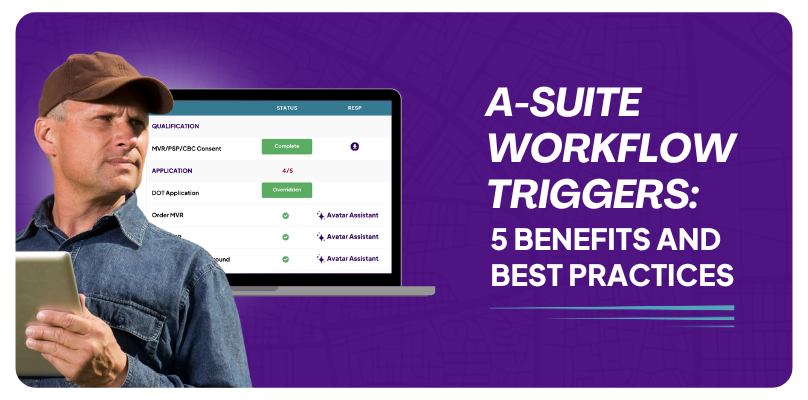
A-Suite Workflow Triggers 5 Benefits & Best Practices

DriverHub Workflow Triggers 5 Benefits & Best Practices

Triggers help manage and streamline the recruitment process by automatically prompting the next step in the process.

Read More
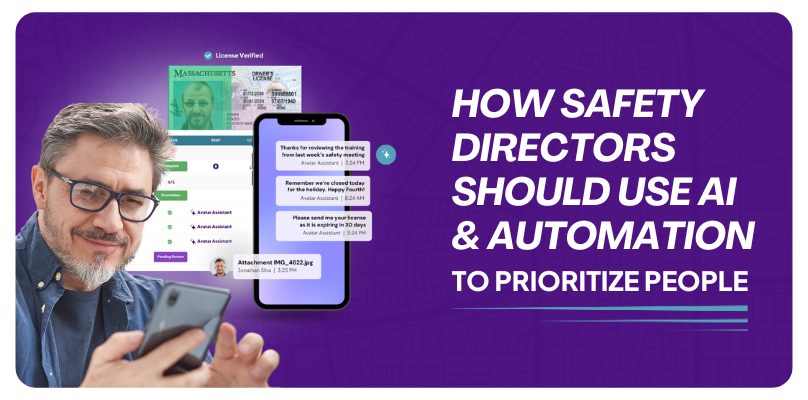
How Safety Directors Should Use AI & Automation To Prioritize People

How Safety Directors Should Use Automation To Prioritize People

Our goal is to help Safety Directors and your team automate administrative tasks so you can prioritize people.

Read More
What is Continuous Driver Monitoring

What is Continuous Driver Monitoring?

You definitely don’t want to be the last to know that one of your drivers has racked up points on his or her license.

Read More

Book a Personalized DriverHub Demo

Schedule your DriverHub demo to get 100% compliant and cut cost-per-hire by 50%.

Avatar DriverHub Demo Driver Recruiting Software DOT Compliance Software Applicant Tracking System (1)